Key takeaways
- A 3D mockup applies your artwork to the real box structure.
- It catches artwork mistakes before printing.
- Online box makers let you change size and style live.
- Renders can be used for marketing before boxes arrive.
- Combine mockups with a physical sample for big launches.
What is 3D packaging design?
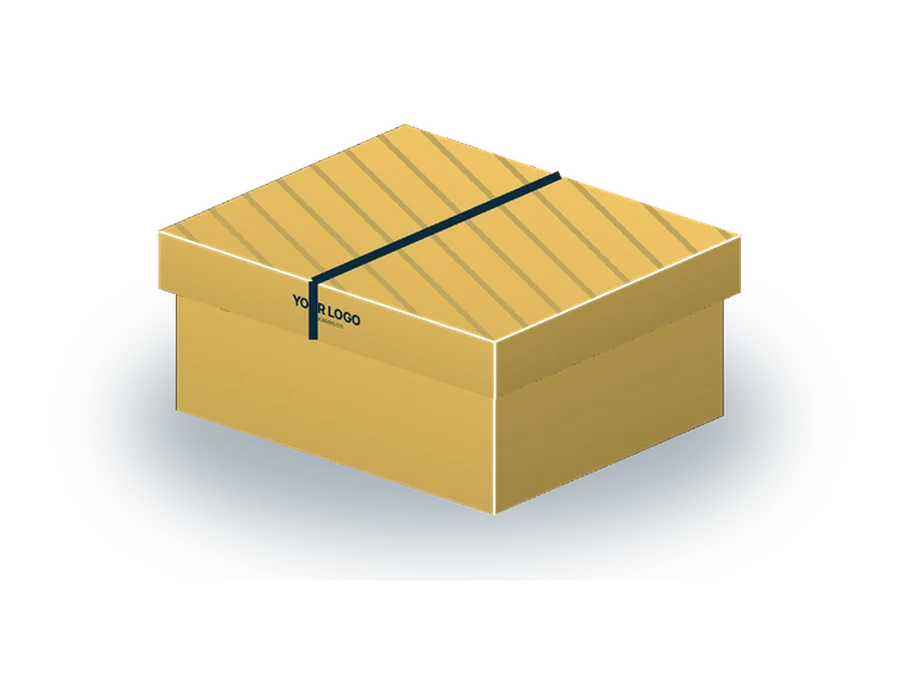
3D packaging design means building a digital model of your box from its dieline and applying your artwork to it. You can rotate the model, open the lid, view every panel and see how finishes like foil or gloss reflect light. It is the closest thing to holding the box without printing it.
How online 3D box makers work
Most tools follow the same steps: choose a box style such as a mailer, tuck end or rigid box; enter the dimensions; upload artwork or add text, colours and logos; then preview the box in 3D. You can download images or send the design to the supplier for a quote and production files.
What you need for an accurate mockup
Provide the box style, exact inside dimensions and artwork placed on the supplier’s dieline. Logos should be vector files and images at least 300 DPI at print size. Note any special finishes so they can be shown in the render.
Why virtual mockups save time and money
Mockups reveal problems that are easy to miss on a flat file: text crossing a fold, a logo upside down on a flap, barcodes on curved panels, or colours that look different on a dark side. Fixing these before printing avoids costly reprints. They also speed up approvals with your team.
Using 3D renders for marketing
High-quality renders can go straight onto product pages, crowdfunding campaigns, social media teasers and investor decks before physical packaging exists. This lets you start pre-sales and test designs with customers sooner.
3D mockups vs physical samples
Each has a role:
| 3D mockup | Physical sample | |
|---|---|---|
| Speed | Hours | Days |
| Cost | Usually free | Small charge |
| Checks artwork placement | Yes | Yes |
| Checks colour on real board | Approximate | Yes |
| Checks fit and feel | No | Yes |
| Marketing images | Ready to use | Needs photography |
From mockup to production
Once the mockup is approved, print-ready files are prepared and finishes confirmed. Changes after approval can delay production, so review carefully and share the mockup with anyone who needs to sign off. We provide a free 3D mockup with every quote.
Frequently asked questions
Can I design a box online in 3D?
Yes; we send a free 3D mockup with every quote.
Is a 3D mockup accurate for colour?
It is close; a printed proof is more accurate.
What files do I need?
Box style, dimensions and artwork on the dieline.
Can I use renders on my website?
Yes, they make good product images.